HouseWaves · Field Instrument

Sync Offset Meter rev 1.7 · L/R

HouseWaves — Smarter Home Audio
Electronic offset
— ms
Play the audio test track and tap Measure.
Left channel
Right channel
Both channels

Speaker labels (optional)

Left channel
Right channel
Name whichever unit you assigned to each channel in Music Assistant. The result is measured per channel — these labels just tell you which box that corresponds to. Re-enter them if you swap the channel assignment.

First-time setup

  1. Download the test file: synctest.wav (right-click or long-press the link → Save).
  2. Open Home Assistant → Media (sidebar). Drag synctest.wav onto the Music Assistant window, or upload it into a local media folder MA can see.
  3. In Music Assistant, set one speaker to Left channel and the other to Right channel, then group them.
  4. Enter each speaker's identity in the Speaker labels panel so the readout can name the unit, not just the channel.
Once the file is uploaded and the group exists, you don't need to redo any of this.

Each measurement

  1. Rest the phone at the midpoint between the two speakers, mic facing up. Set it down rather than holding it; a hand is a large reflector.
  2. Tap Enable microphone and grant permission when Safari asks. (You only need to do this once per browser session — the button becomes "✓ Microphone live".)
  3. In Home Assistant, play synctest.wav to the grouped speakers. You'll hear click-left, click-right, click-both, pause — repeating.
  4. Tap Measure any time while the track is playing. The tool finds a full cycle on its own. Take 5–6 readings and use the session average.
The track spaces Left and Right exactly 300 ms apart. Anything other than 300 ms in the recording is the offset, and which click arrives early tells you which channel is late.
To tell whether a delay belongs to a particular unit: swap the channel assignment in Music Assistant without moving anything, then measure again. If the sign flips, the same physical box is still the late one — the delay is intrinsic to that unit. If the sign stays put, the delay lives in the channel routing rather than the hardware.
Speakers and Audio devices for Home Assistant.
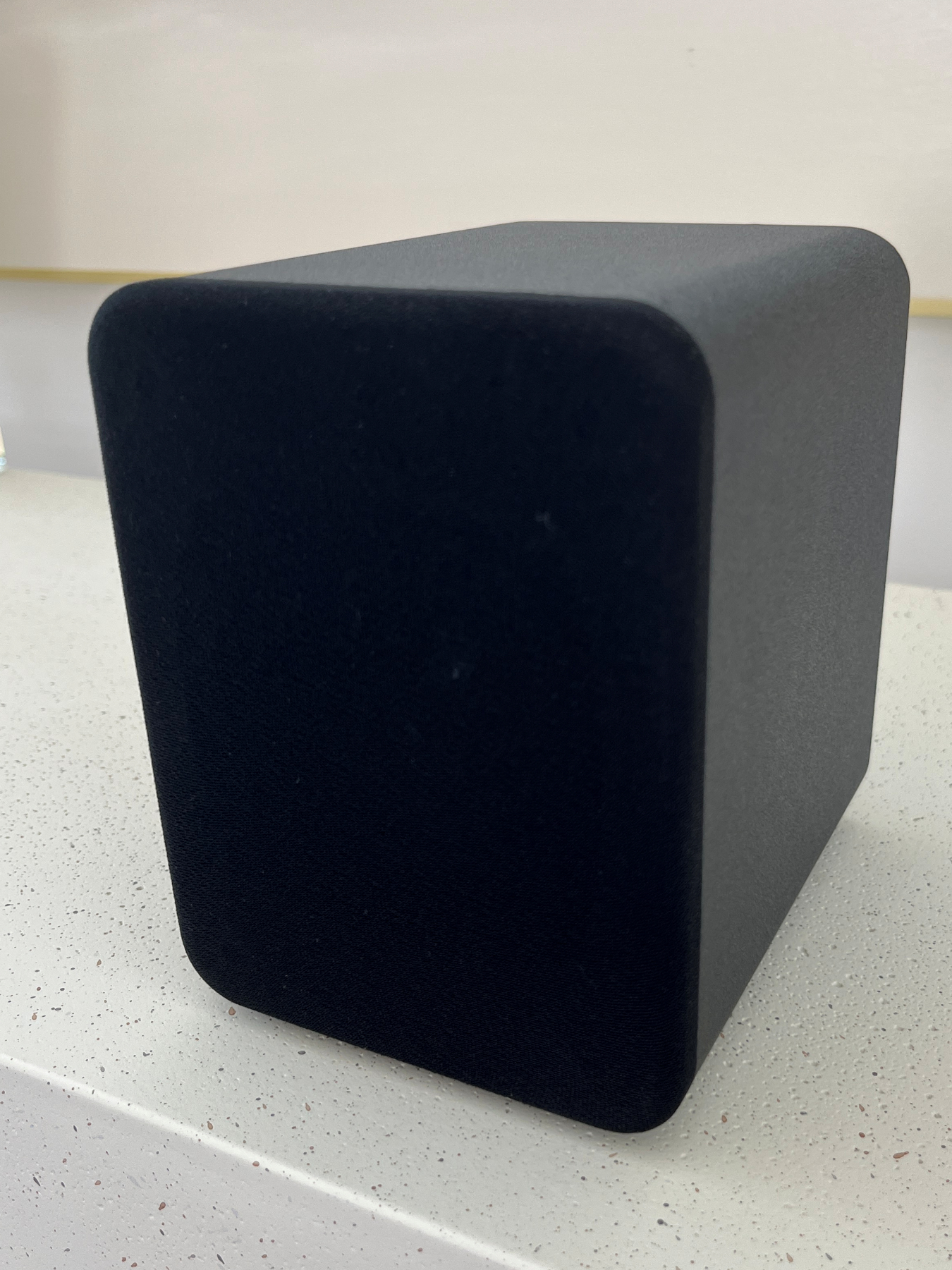
HouseWaves One bookshelf speaker ▮
ONE
Compact
full-range
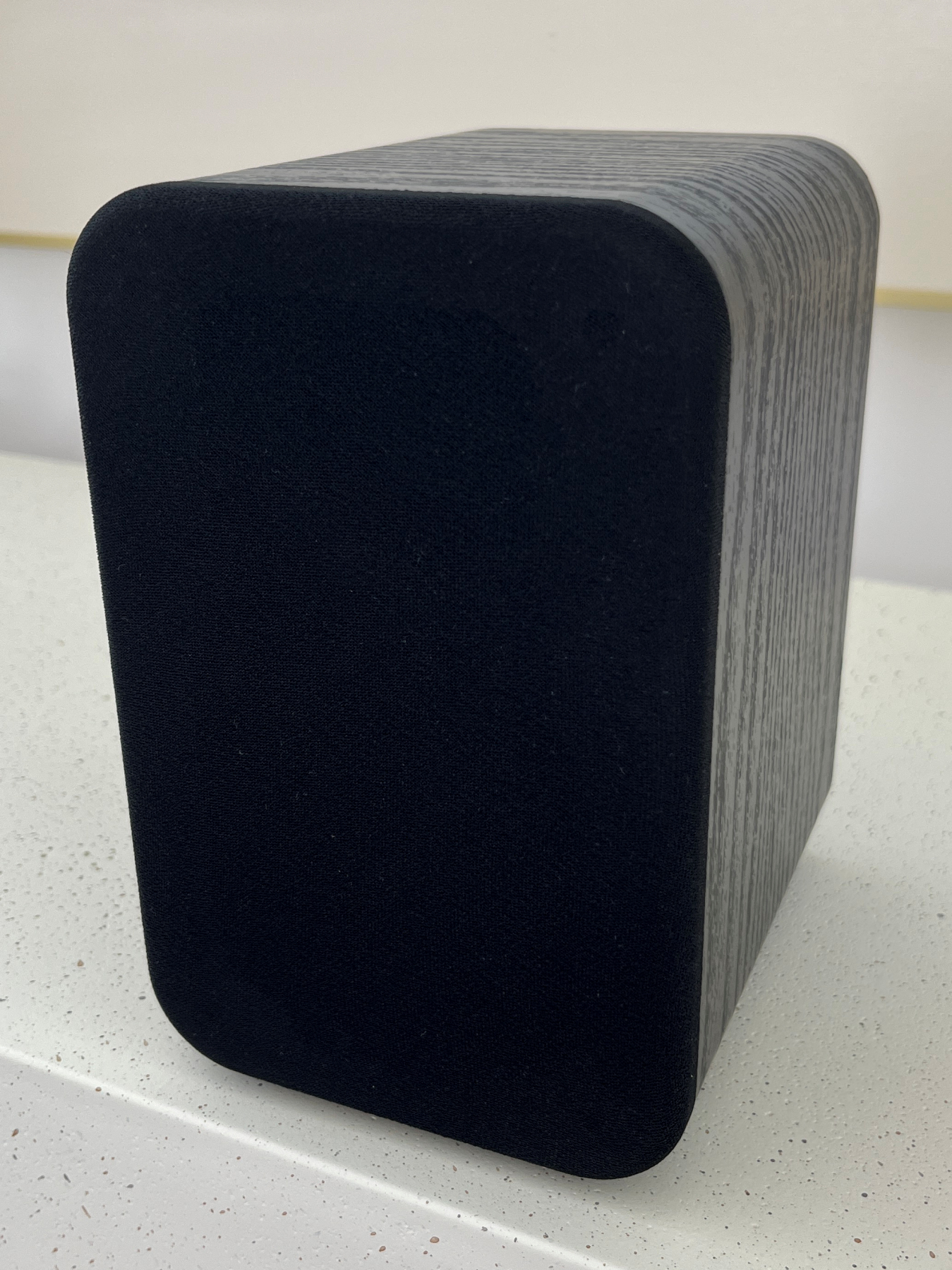
HouseWaves Two bookshelf speaker ▮
TWO
Two-way
woofer + tweeter
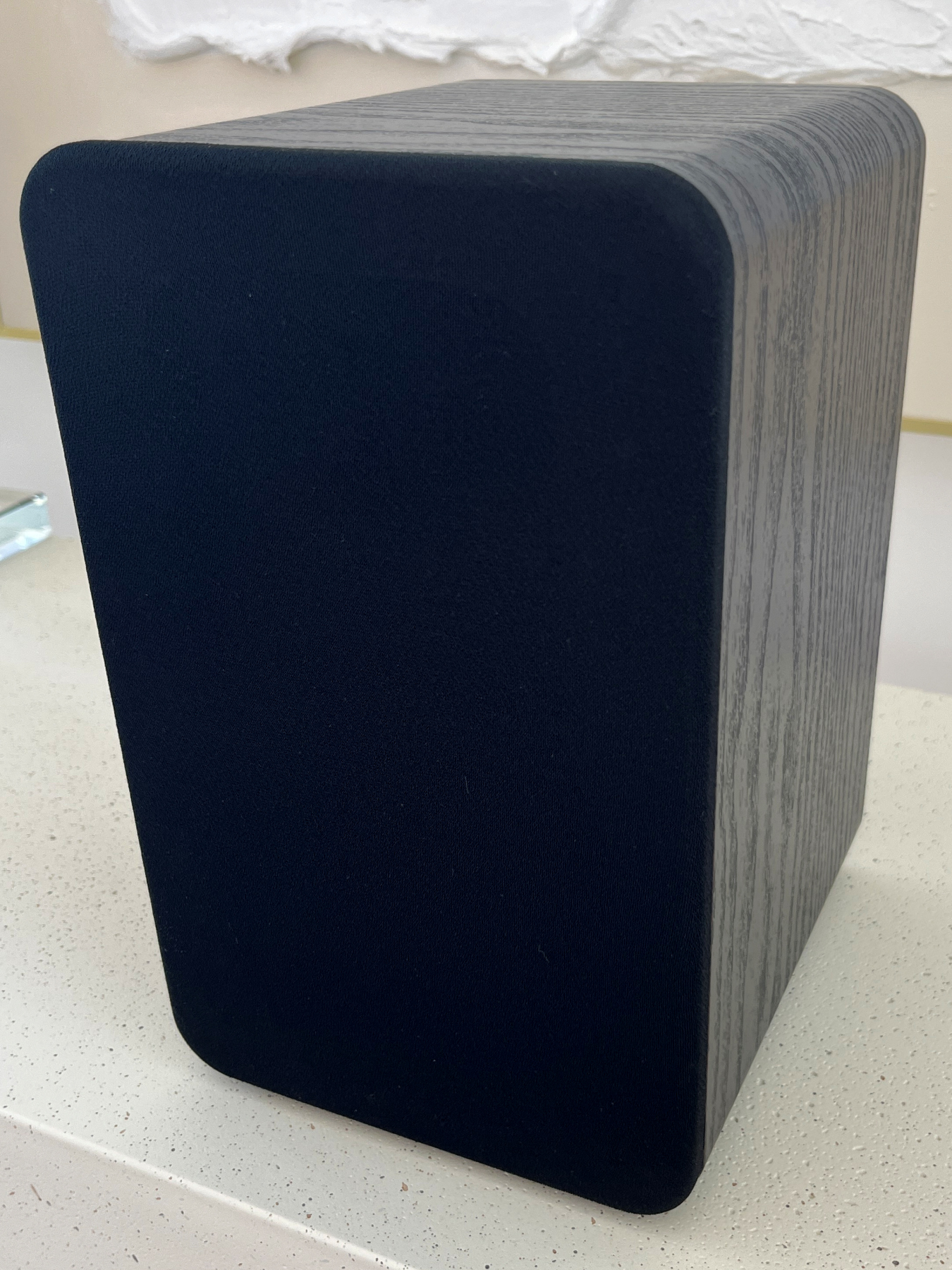
HouseWaves Three bookshelf speaker ▮
THREE
Largest
cabinet
No Cloud. No Code. See them at getHouseWaves.com